A Shift Request allows an employee to request a specific shift type for a selected date range. To access Shift Schedule request, go to:
Login > Desktop > Human Resource > Shift request
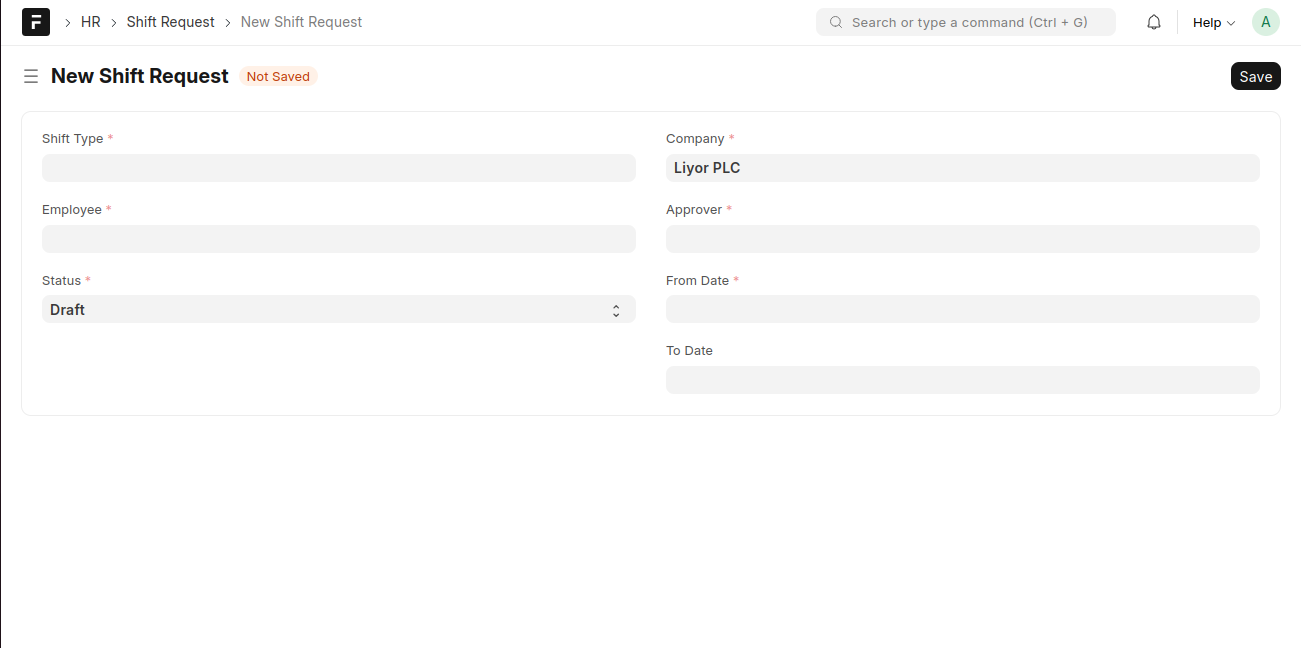
Create a Shift Request
- Click New Shift Request.
- Select the Shift Type.
- Choose the Employee.
- Select the Approver.
- Set the From Date and To Date.
- Update the Status as required.
- Click Save.
Last updated 6 months ago
Was this helpful?