The Employee Grade module is used to group employees with similar positions or levels.
It helps assign compensation rates and salary structures.
Employee Grades also help manage employees in bulk for payroll and leave processes.
To access Employee Grade, go to:
Login > Desktop > Human Resources > Employee > Employee Grade
Employee Grade List View
The Employee Grade list view displays all employee grades in the system.
Actions
- Click Add Employee Grade to create a new grade
- Click a grade name to view or edit it
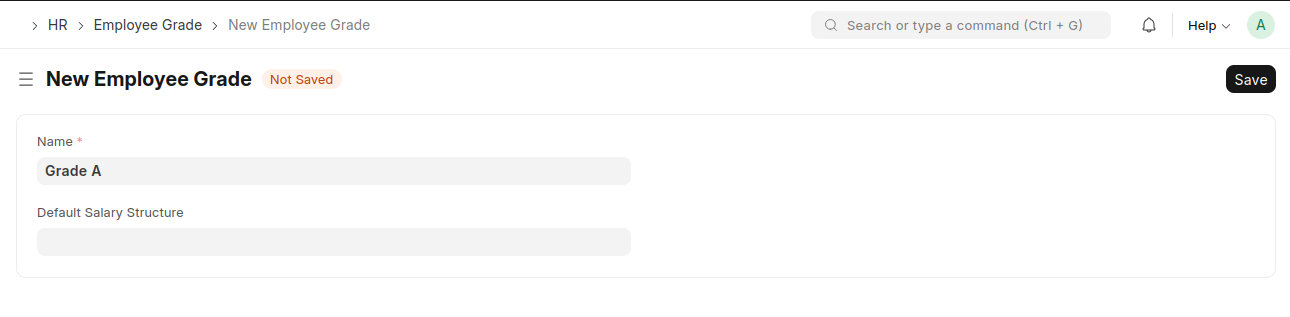
create an Employee Grade
- Go to the Employee Grade list and click Add Employee Grade.
- Enter the Grade Name.
- Select the Default Salary Structure.
- Click Save.
Last updated 6 months ago
Was this helpful?