A Promotional Scheme is a temporary discount on one or more products.
To Access: Login to ERP > Desktop > Selling > Promotional Scheme
Create Promotional Scheme
- Go to Promotional Scheme
- Click Add Promotional Scheme
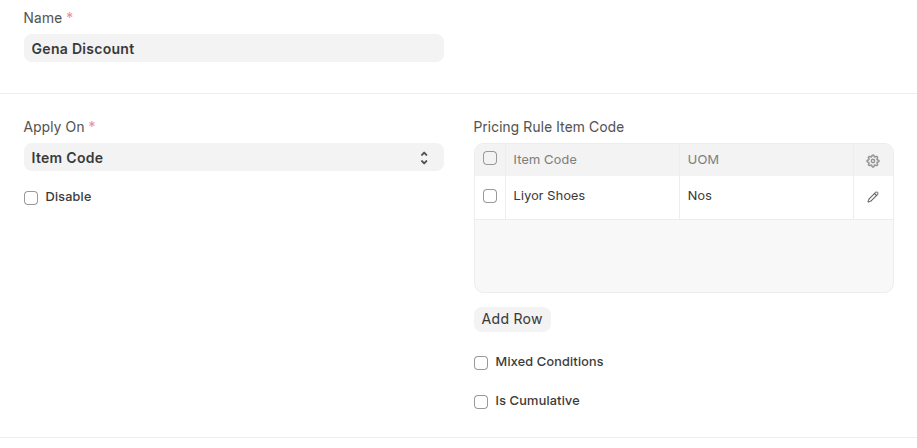
- Enter name of Promotional Scheme
- Select Apply On like Item Code, Item Group, Brand, or Transaction. Selecting Transaction will apply the scheme on the total amount of the transaction.
- Based on the 'Apply On', system will give you the provision to select the Item Code / Item Group / Brand in the table.
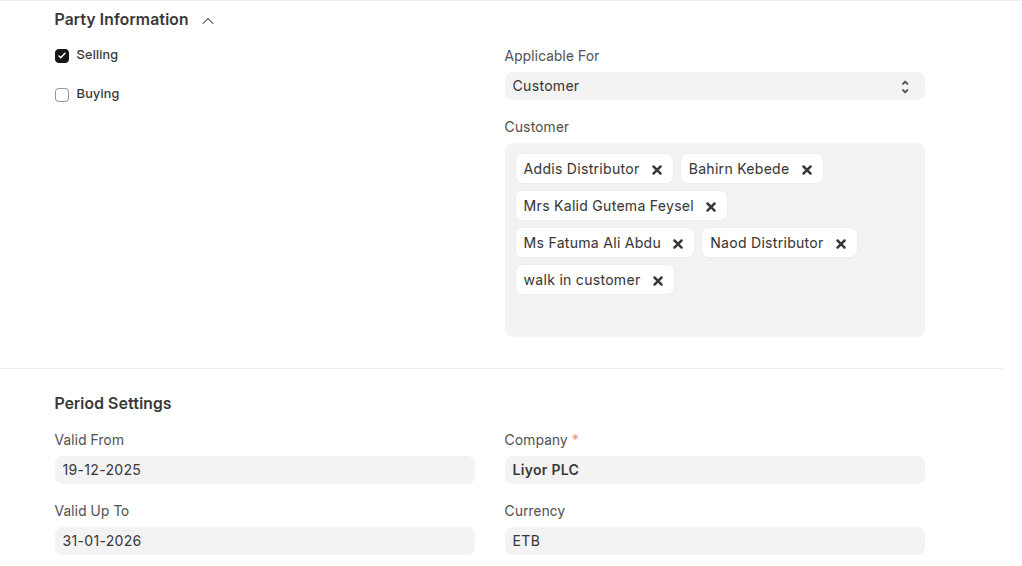
- Select whether the scheme is for Selling, Buying, or both and set the party information and set validity period in the period setting.
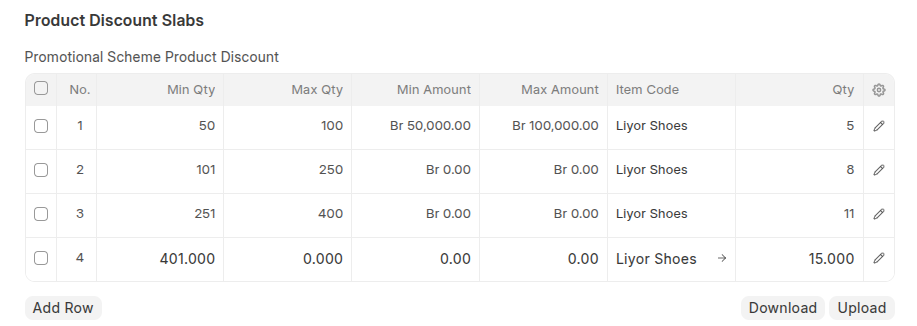
- In the Price Discount Slabs table, set the price discount or product discount based on your promotional discount, ensure set discription in the detail of the discount by using clicking edit icon.
- Click Save
Once you save promotional scheme pricing rule has been created automatically.
Last updated 6 months ago
Was this helpful?