Maintenance Schedule
The Maintenance Schedule shows all upcoming Maintenance Visits.
To Access: Login to ERP > Desktop > Support > Maintenance Schedule
Create Maintenance Schedule
- Go to Maintenance Schedule
- Click Add Maintenance Schedule
- Select Customer
- In the Items table select items to be mainitaned then set Start date and number if visits, and select periodicity.
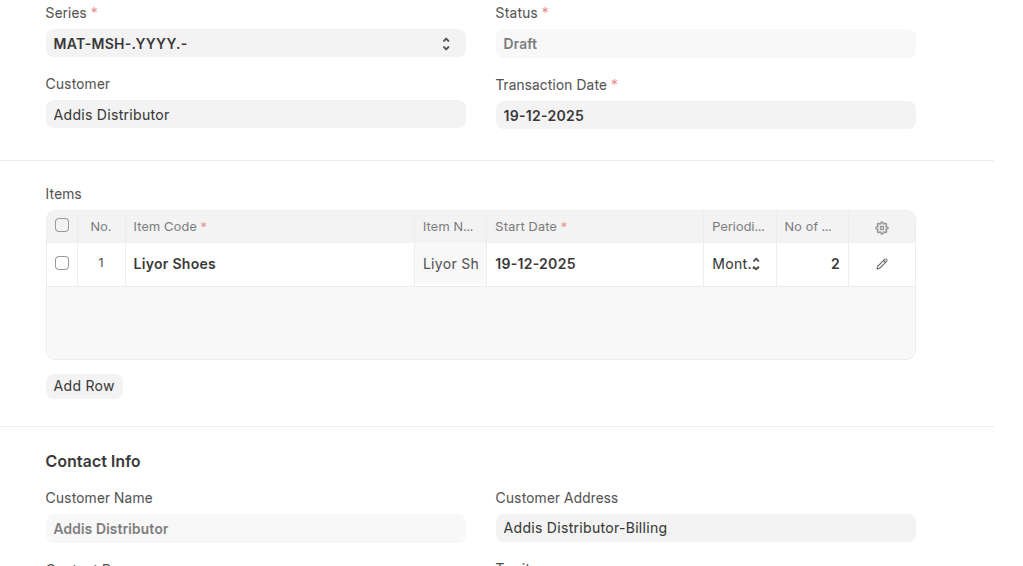 In addition to Click detail icon then set end date and select sales person.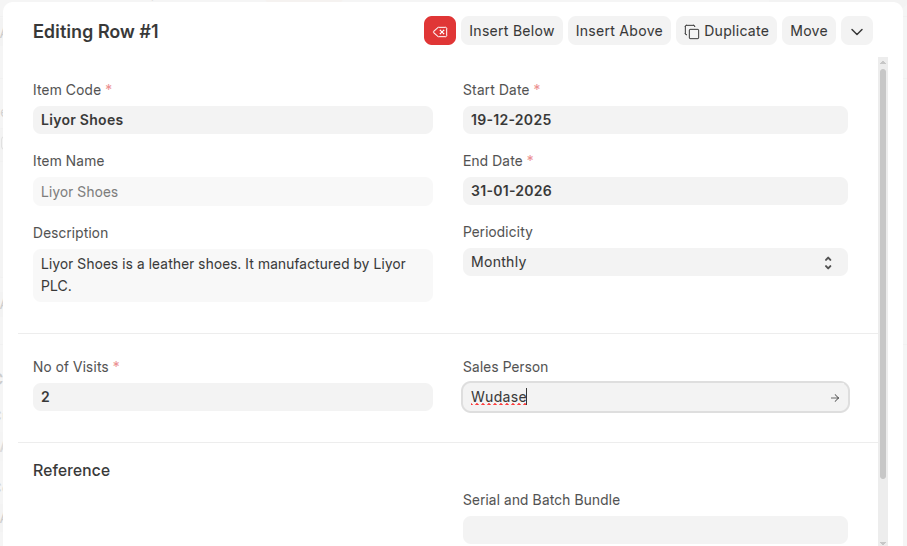
- In the Contact info section select contact person.
- Click Save
- After saving, click on the Generate Schedule button to generate a Maintenance Schedule.
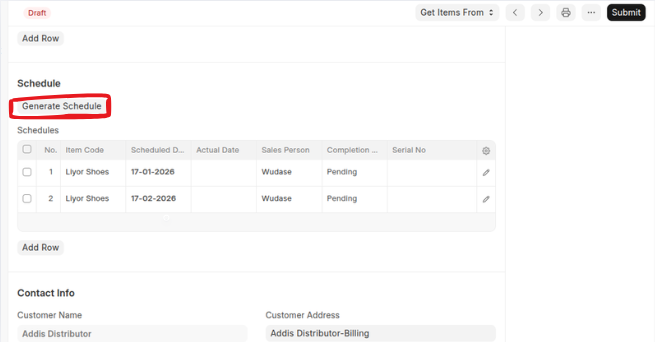
- Click Submit.
Last updated 6 months ago
Was this helpful?