Travel Request allows employees to request approval and funding for official travel.
To access Travel Request, go to:
Login > Desktop > Human Resources > Travel > Travel Request
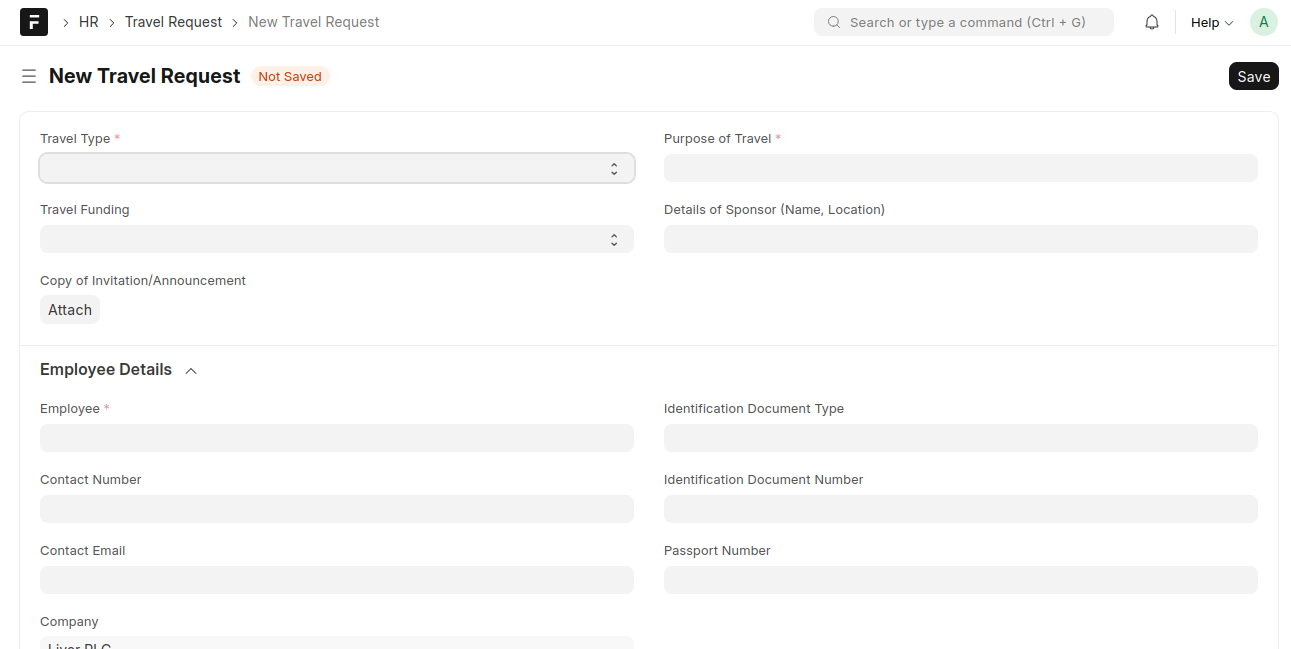
create a Travel Request
- Go to the Travel Request list and click Add Travel Request
- Select the Travel Type
- Enter the Purpose of Travel
- Select Travel Funding and add Sponsor Details (if applicable)
- Select the Employee and verify employee details
- Add Travel Itinerary (From, To, Mode of Travel, Departure Date & Time)
- Add Costing Details (Expense Type and Amount)
- Click Save and Submit
Last updated 6 months ago
Was this helpful?