A customer is the one who receives goods, services, products, or ideas, from a seller for a monetary consideration.
To access:
Login to ERP > Desktop > Selling > Customer
Create Customer
- Go to Customer
- Click Add Customer
- Enter Customer Name
- Select Customer Type (Individual/company/Partnership)
- Click Save.
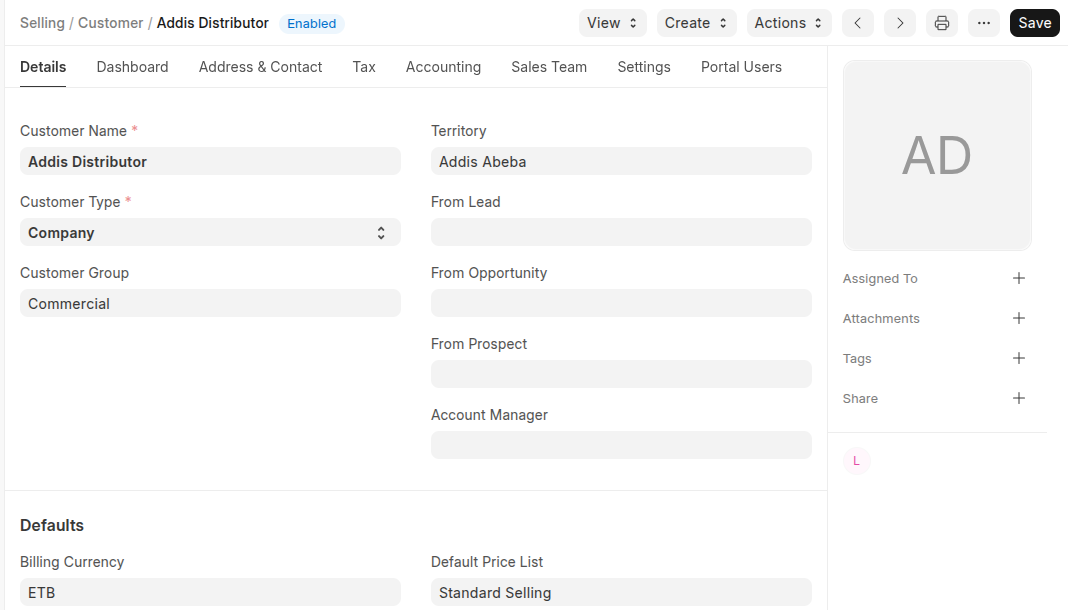 Additional Features
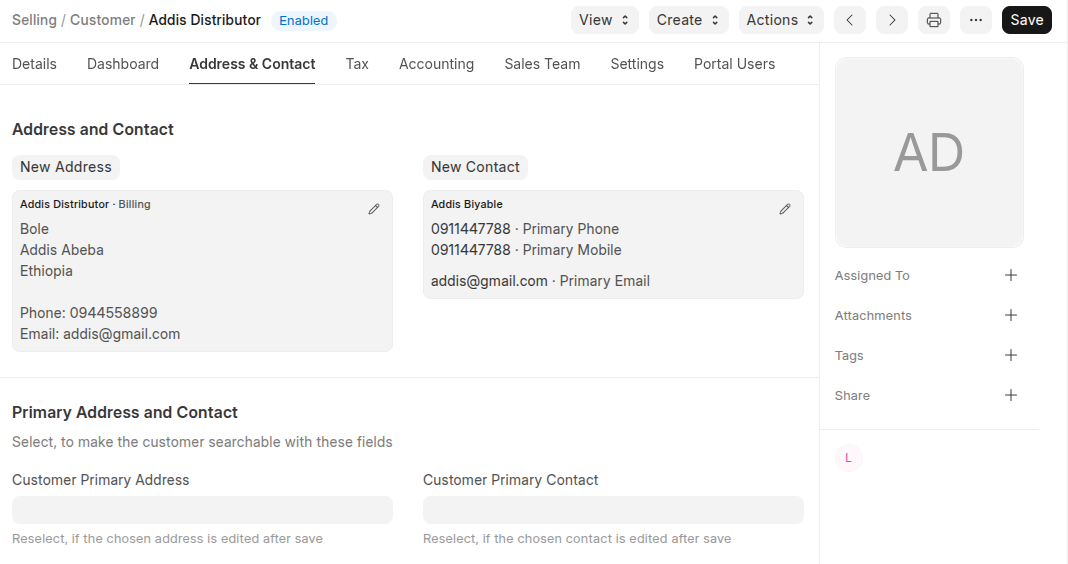
- Under Address and Contact Section: Add customer Address and Contacts
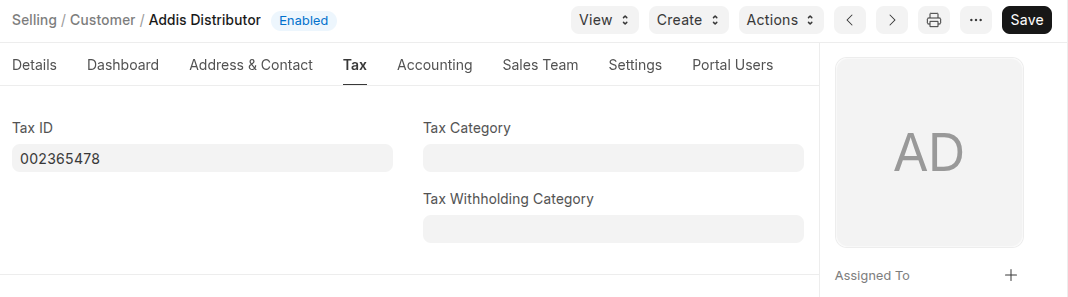
- Add Customer TaxID, Tax Category and Tax withholding in the tax section
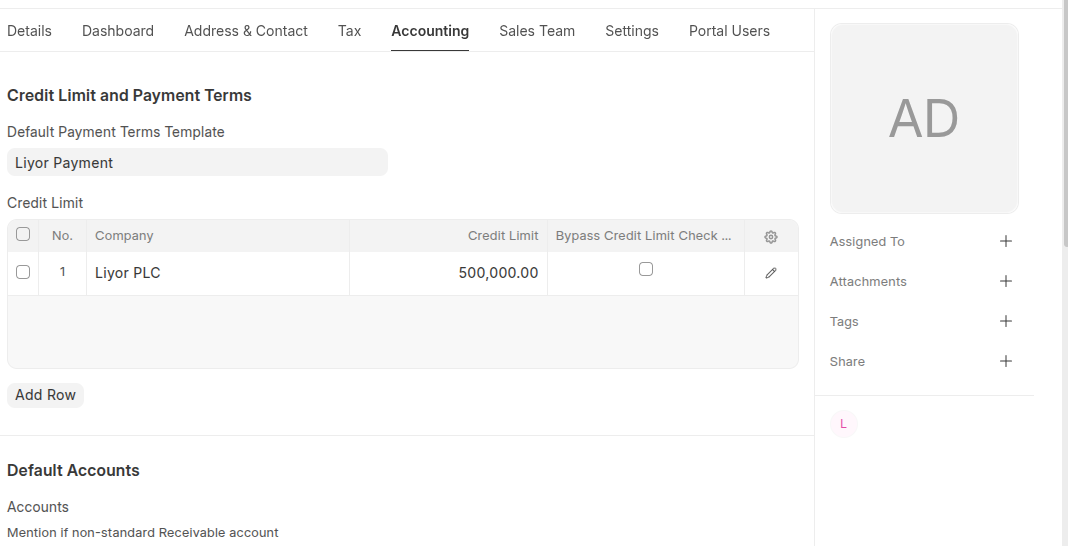
- You can set Credit Limit and Payment Terms and others in the Accounting section
- IF have sales team for this custoemr Set the sales team in the sales team section
- If the customer have portal access set the customer user ID in the **portal users **section

- In addition to the above you can manage the customer using setting section as shown below

Last updated 6 months ago
Was this helpful?