Monthly Attendance Sheet
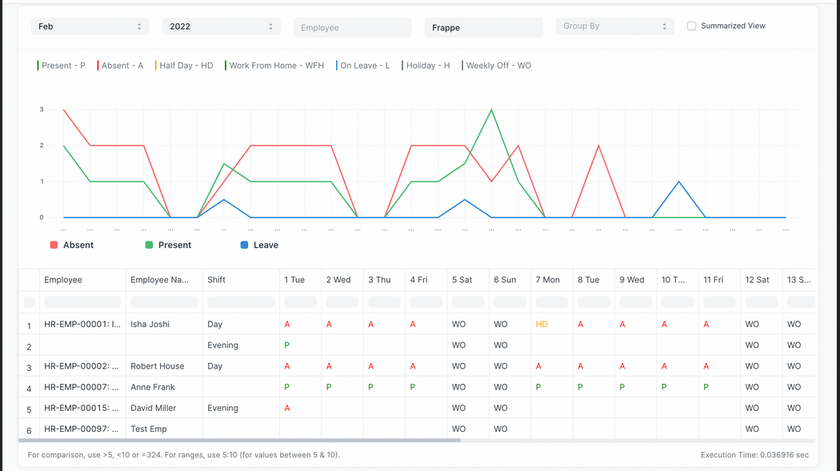
The Monthly Attendance Sheet provides a detailed view of employee attendance for a given month.
If shifts are assigned to employees, the sheet will display shift-wise attendance.
To access Monthly Attendance Sheet, go to:
Login > Desktop > Human Resources > Monthly Attendance Sheet
Monthly Attendance Sheet
- Select the Month and Year for which you want to view attendance.
- Optionally, select an Employee to view their individual attendance.
- Check the Include Company Descendants box to include employees from sub-companies.
- Enable Summarized View to see a summarized attendance for the selected month.
- Click Apply Filters to display the relevant data.
Last updated 6 months ago
Was this helpful?