Notes help capture and store important details related to leads and deals. They provide valuable context and insights that can be referenced throughout the sales process.
To access Notes:
Login → Desktop → Frappe CRM → Notes
Create Note
Create a new note in Frappe CRM:
- Go to Frappe CRM → Notes.
- Click Create in the top-right corner.
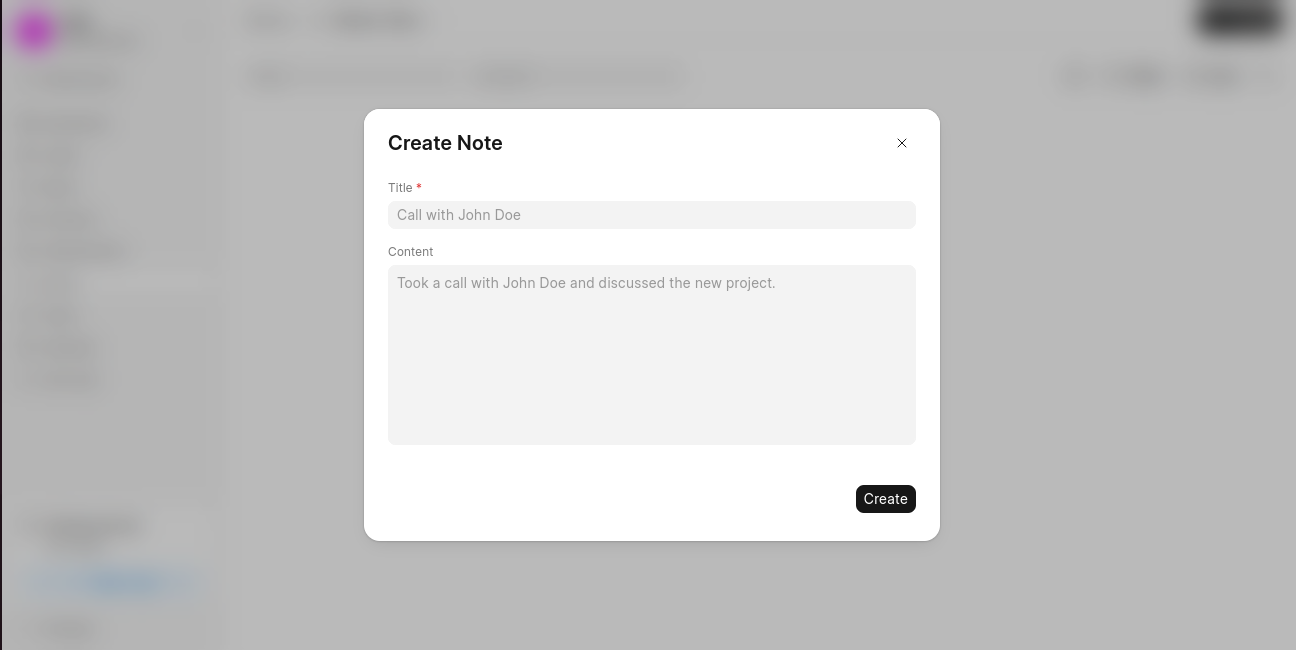
- In the Create Note dialog, enter:
- Title (mandatory)
- Content
- Click Create to save the note.
Last updated 6 months ago
Was this helpful?