A Routing stores all Operations along with the description, hourly rate, operation time, batch size, etc. Creating a Routing for your BOM Operations is useful when similar Operations are used for manufacturing different items.
To Access:
Login to ERP > Desktop > Manufacturing > Routing
Create Routing
- Go to Routing
- Click Routing
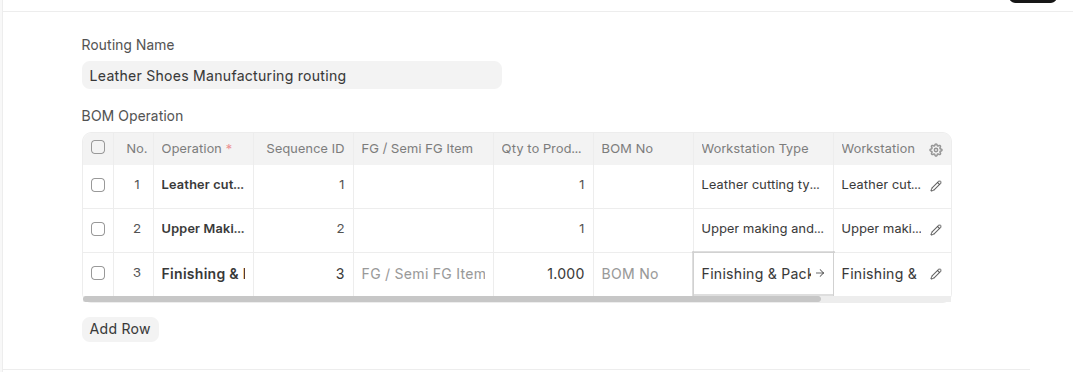
- Set Name of Routing
- In the BOM Operation table click Add Row and select all Operations based on thier sequences, enter the Operation Time in minutes and other required field.
- Click Save
Last updated 6 months ago
Was this helpful?