The Employee Group module is used to create and manage groups of employees. It helps organize employees for attendance, payroll, and other HR processes.
To Access Employee Group:
Login > Desktop > Human Resources > Employee > Employee Group
Employee Group List View
The Employee Group list view displays all employee groups in the system.
Actions
- Click Add Employee Group to create a new group
- Click a group name to view or edit it
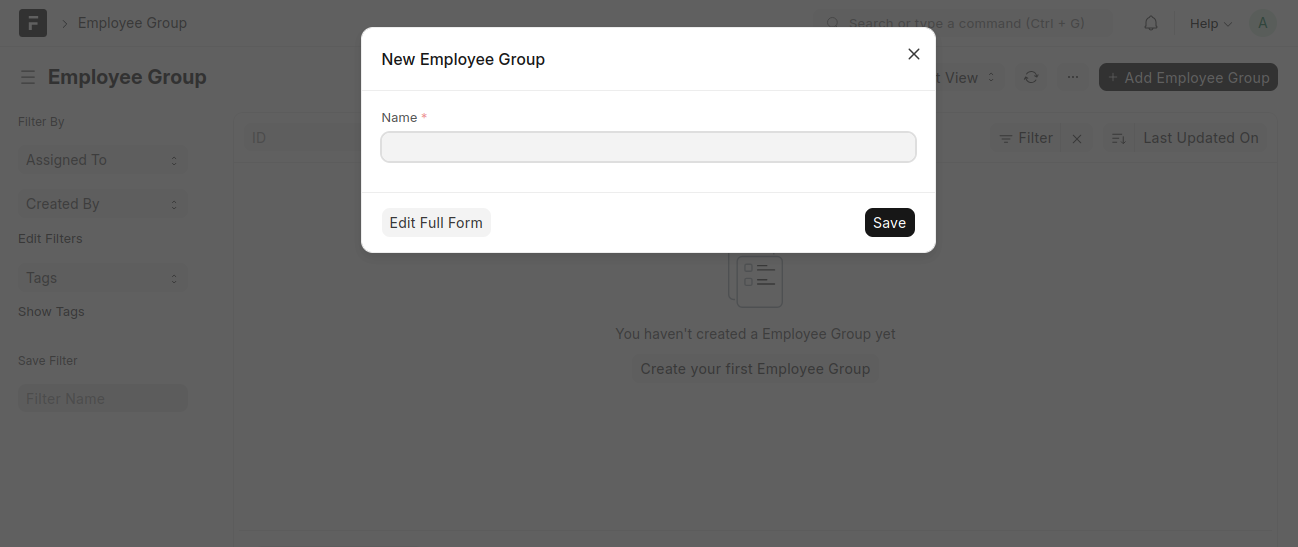
New Employee Group
Click Add Employee Group to open the New Employee Group form.
Overview
Used to define the employee group and add employees.
Basic Details
- Name: Name of the employee group
Employees
- Add employees using Add Row
Saving Employee Group
- Enter the group name
- Add employees
- Click Save
Last updated 6 months ago
Was this helpful?