Asset Repair refers to any activity carried to repair a broken Asset to restore full functionality.
To Access Asset Repair:
Login to ERP > Desktop > Assets > Asset Repair
Create Asset Repair
- Go to Asset Repair
- Click Add Asset Repair
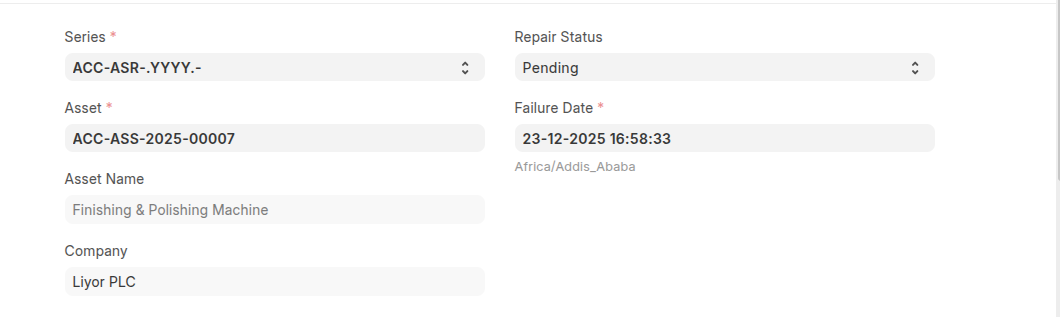
- Select an Asset which to be repaired
- Set failer date
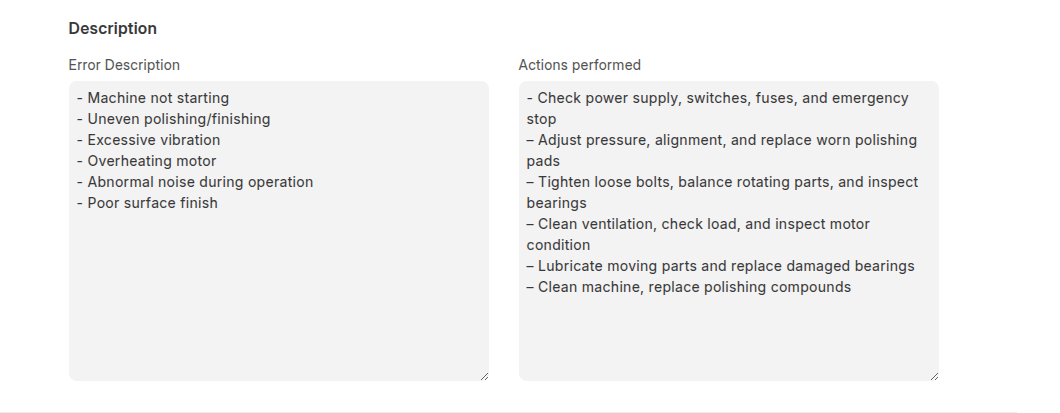
- Under Description section Enter Error Descriptionand Action Preformed
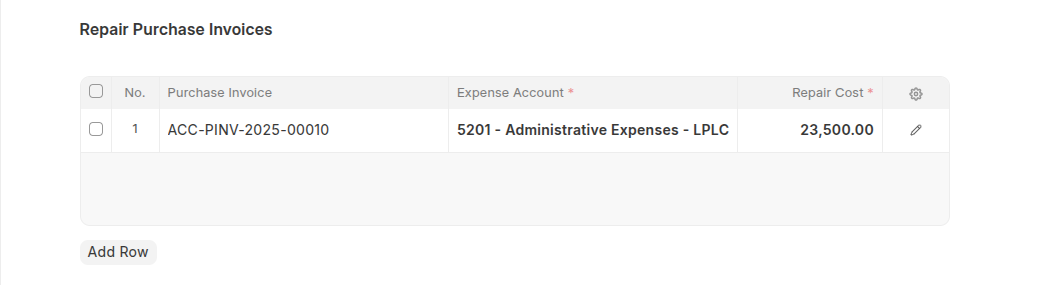
- Select a Purchase Invoice if Repair Cost is greater than zero
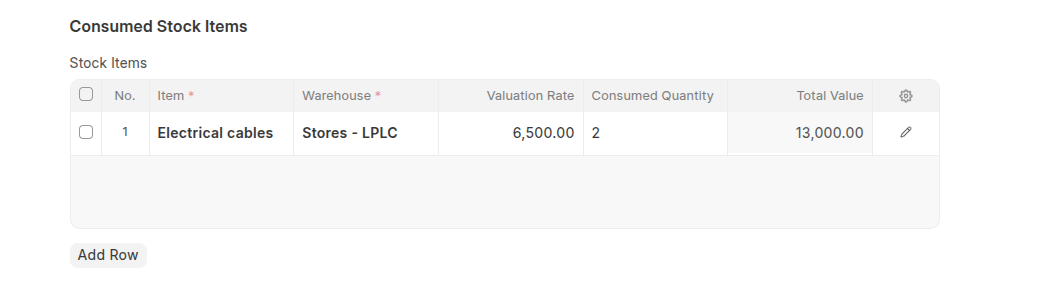
- Enter Consumed stock items if have any
- Click Save
- One You done Change the Repair Status from 'Pending' to 'Completed', or if cancelled select 'Canceled'.
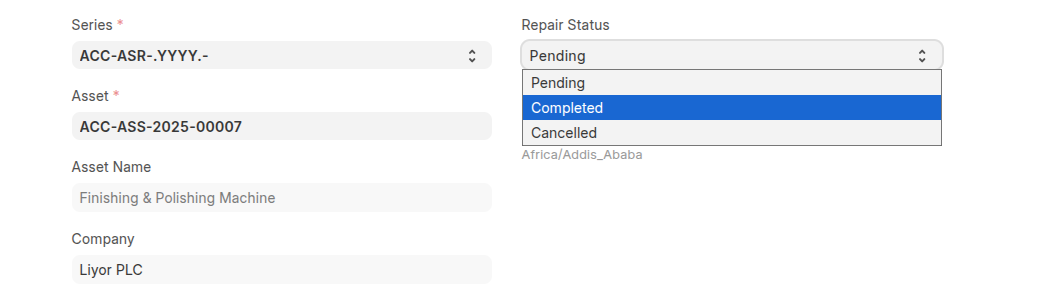
- Click Save and Submit
Last updated 6 months ago
Was this helpful?