All the global settings for support related documents can be found in Support Settings.
To Access:
Login to ERP > Desktop > Support > Support Settings
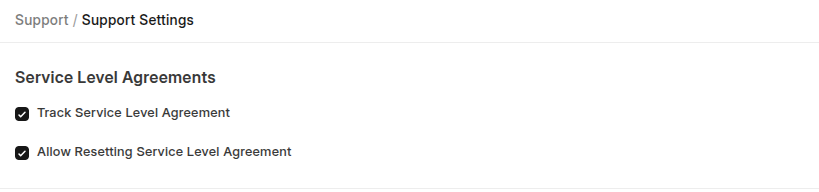
Track Service Level Agreement
Enable this feature to start using and tracking Service Level Agreement in Issues.
Allow Resetting Service Level Agreement
It enables the support team to reset the SLA timers under specific condition
Close Issue After Days
Any "Replied" or "Resolved" issue will be closed after the number of days defined in this field.

Last updated 6 months ago
Was this helpful?