A Campaign is a full-scale implementation of a sales strategy to promote a product or service. This is done in a market segment of a particular geographical area to achieve specified objectives.
To Access:
Login to ERP > Desktop > Selling > Campaign
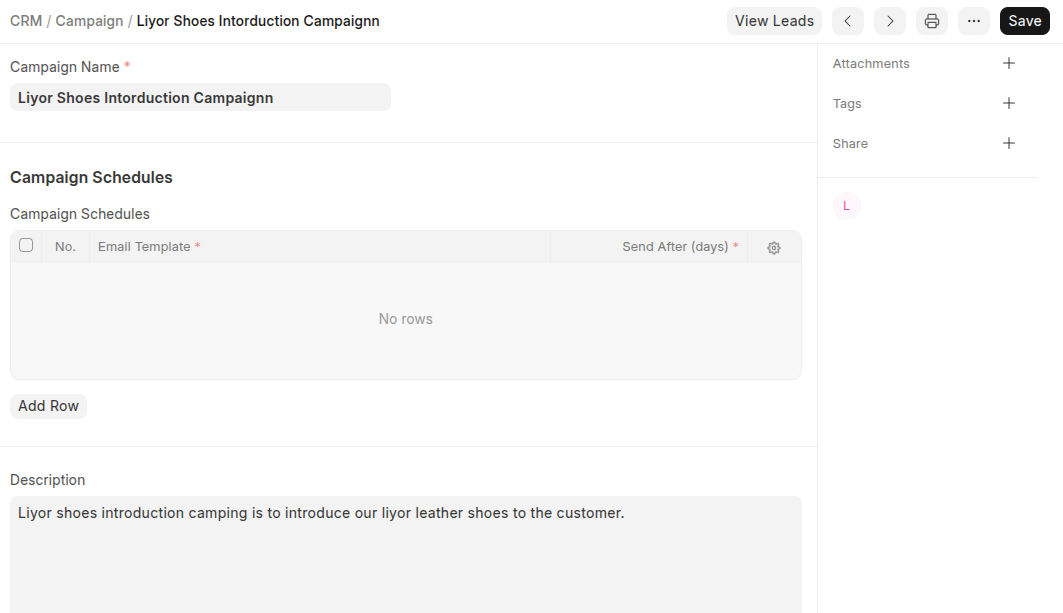
Create Campaign
- Go to Campaign
- Click Add Campaign
- Set Campaign Name
- You can schedule the campaingn in the Campaign Schedules table
- Set discrpition
- Click Save
Last updated 6 months ago
Was this helpful?