Issue Type is useful for tagging and classifying Issues.
To access: Login to ERP > Desktop > Support > Issue Type
Create Issue Type
- Go to Issue Type
- Click Add Issue Type
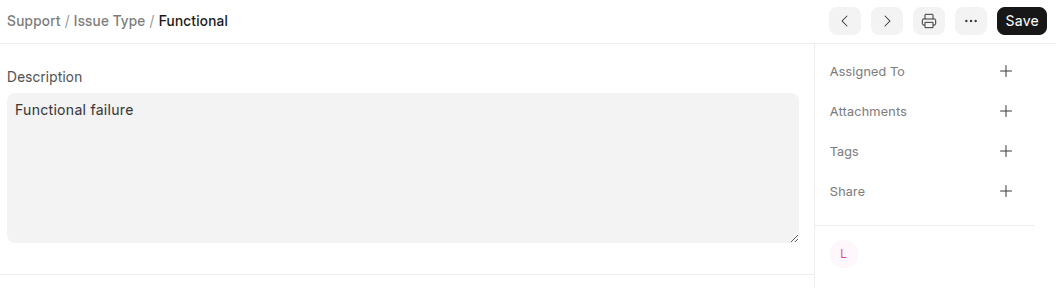
- Set Name and Description
- Click Save
Last updated 6 months ago
Was this helpful?